
Scheduling initial exams
Rather than calling patients to schedule initial exams, some clinics prefer to send a scheduling link that allows new patients to automatically book their own initial exams.
Triggering initial exam scheduling
When adding a new patient
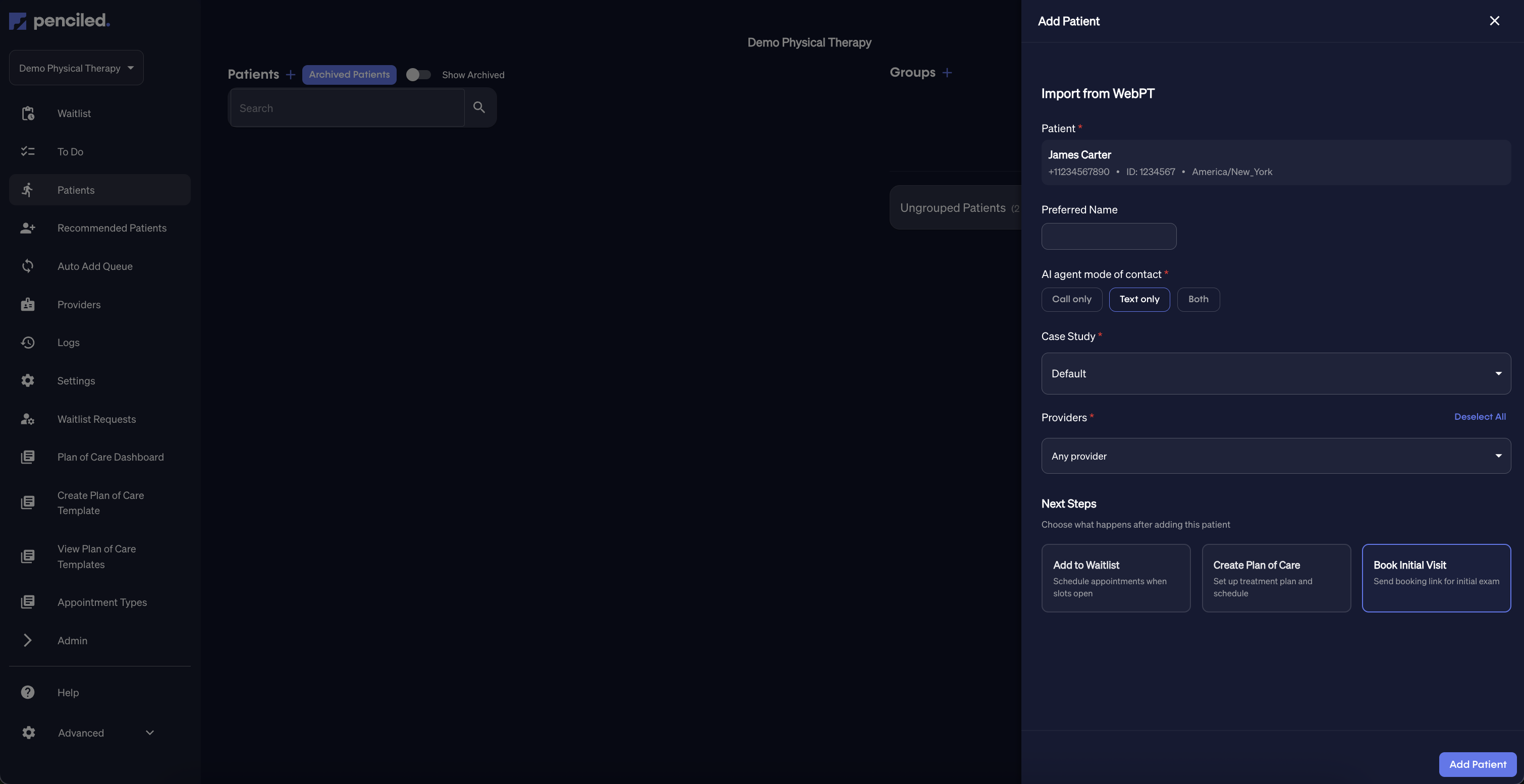
When you add a new patient from WebPT, you can send them an initial exam scheduling link directly.
- Open the Add Patient window.
- Select the patient you want to import from WebPT.
- Choose Book Initial Visit under “Next Steps.”
- Click Add Patient.
This will immediately send the patient a secure link to schedule their initial exam.
What the patient sees
Once the patient receives the link, they’ll be guided through a simple scheduling flow to pick their preferred time.
Step 1: Review visit details
The patient sees their appointment type, duration, clinic phone number, and visit mode (in-person or telehealth).
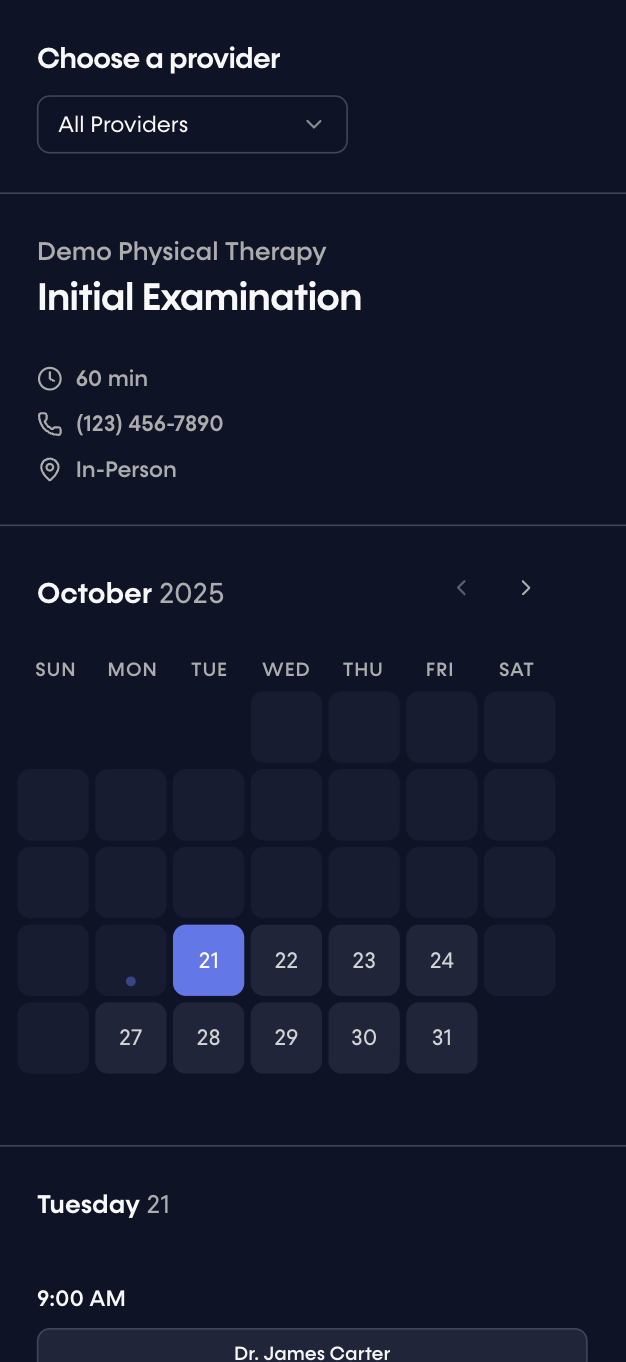
Step 2: Choose a date
Patients can scroll through available days and select a date that works best for them.
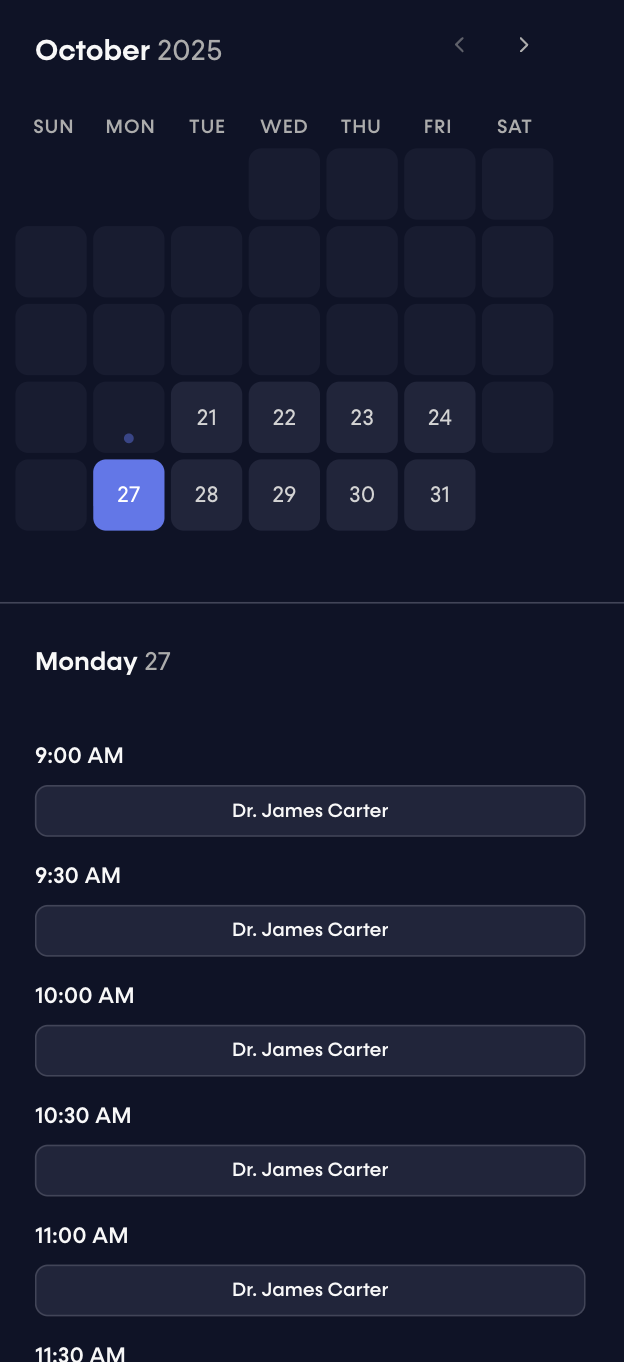
Step 3: Select a time
Once a date is selected, available appointment times and providers appear.
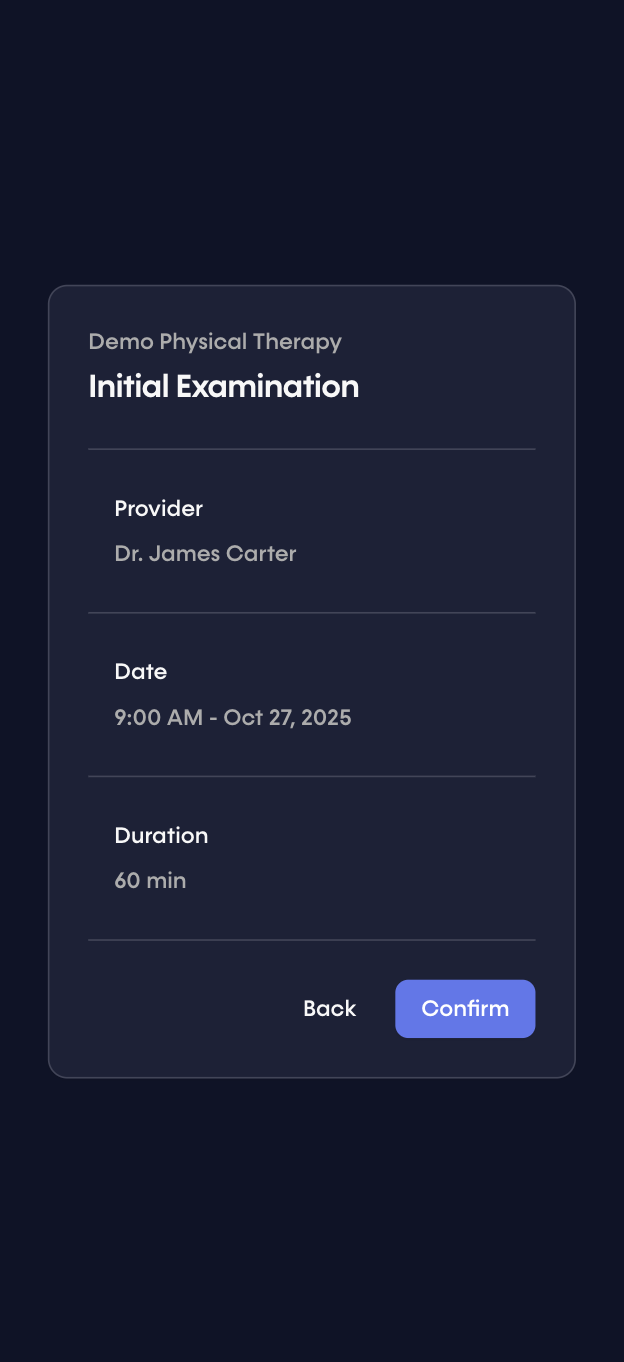
Step 4: Confirm the appointment
After selecting a time, the patient reviews the appointment summary and confirms the booking.
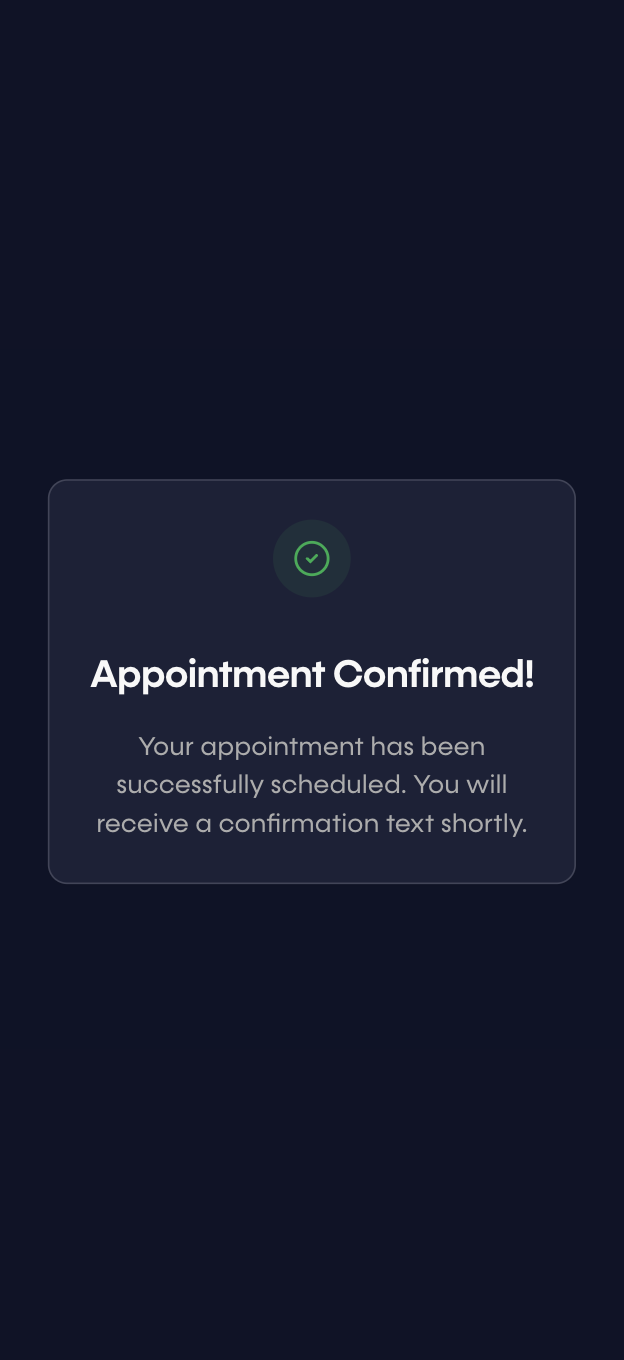
Confirmation and follow-up
After the appointment is confirmed, the patient will receive a confirmation text like the one below.
Your appointment with Dr. James Carter on Monday, October 27, 2025 at 9:00 AM is confirmed. See you there!
This message is customizable in your Penciled settings.