Experience of a patient on the waitlist
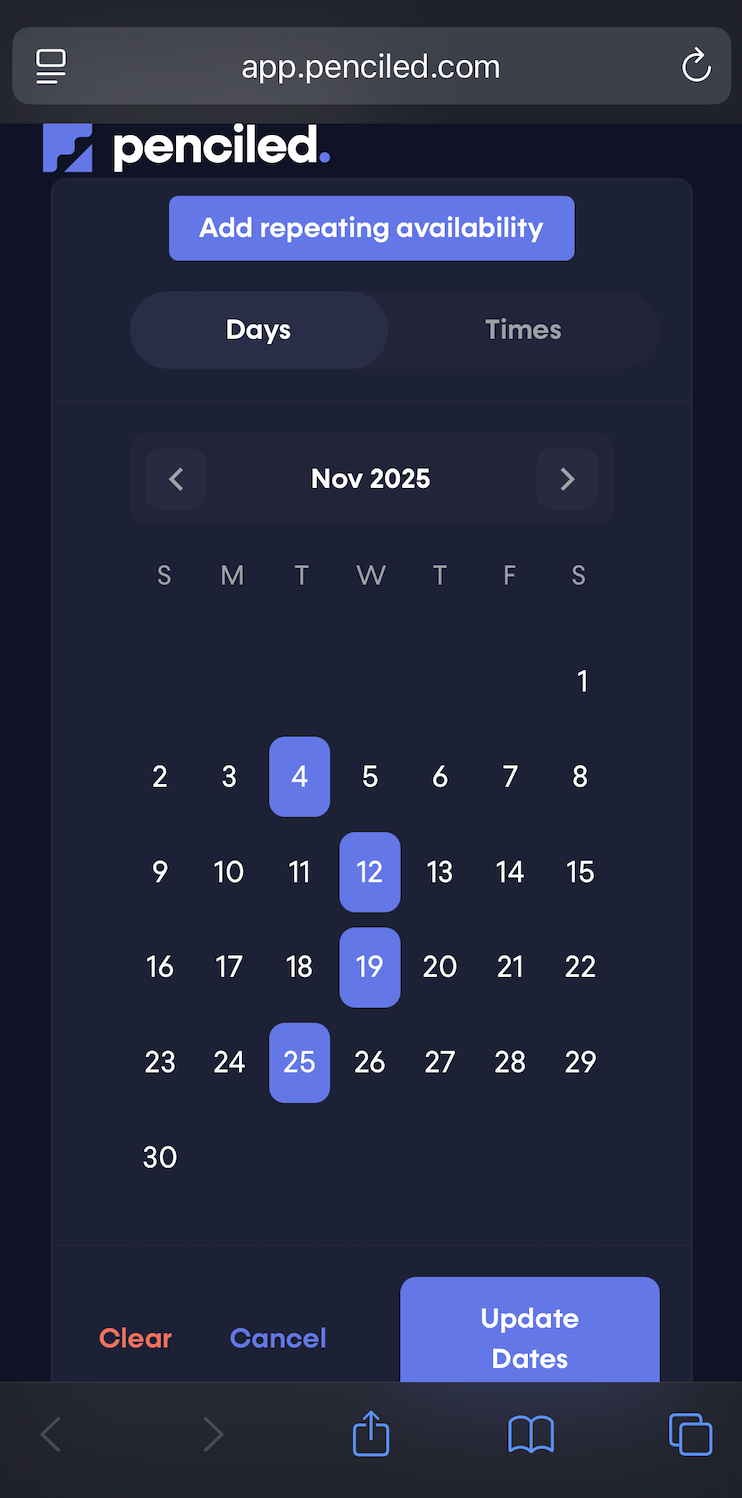
Once the patient has been enrolled onto the waitlist, they will receive messages about cancellations that match their availability. Patients can also adjust their waitlist availability by texting the AI.
Initial waitlist enrollment text
Immediately after joining the waitlist, the patient will get a text saying something like Hey Shawn! This is Nicole, an AI assistant from Jones Physical Therapy. You have been added to the waitlist and may receive text updates about your schedule.
The initial waitlist enrollment text is customizable. You can customize the text to match your preferences in the waitlist settings.
When a cancellation occurs
When a cancellation occurs inside of WebPT, Penciled will detect the opening and create a waitlist run, which simply means that Penciled will look at the waitlist and pick the patients that are a fit for that opening.
Each patient associated with that waitlist run will get a message about the opening.
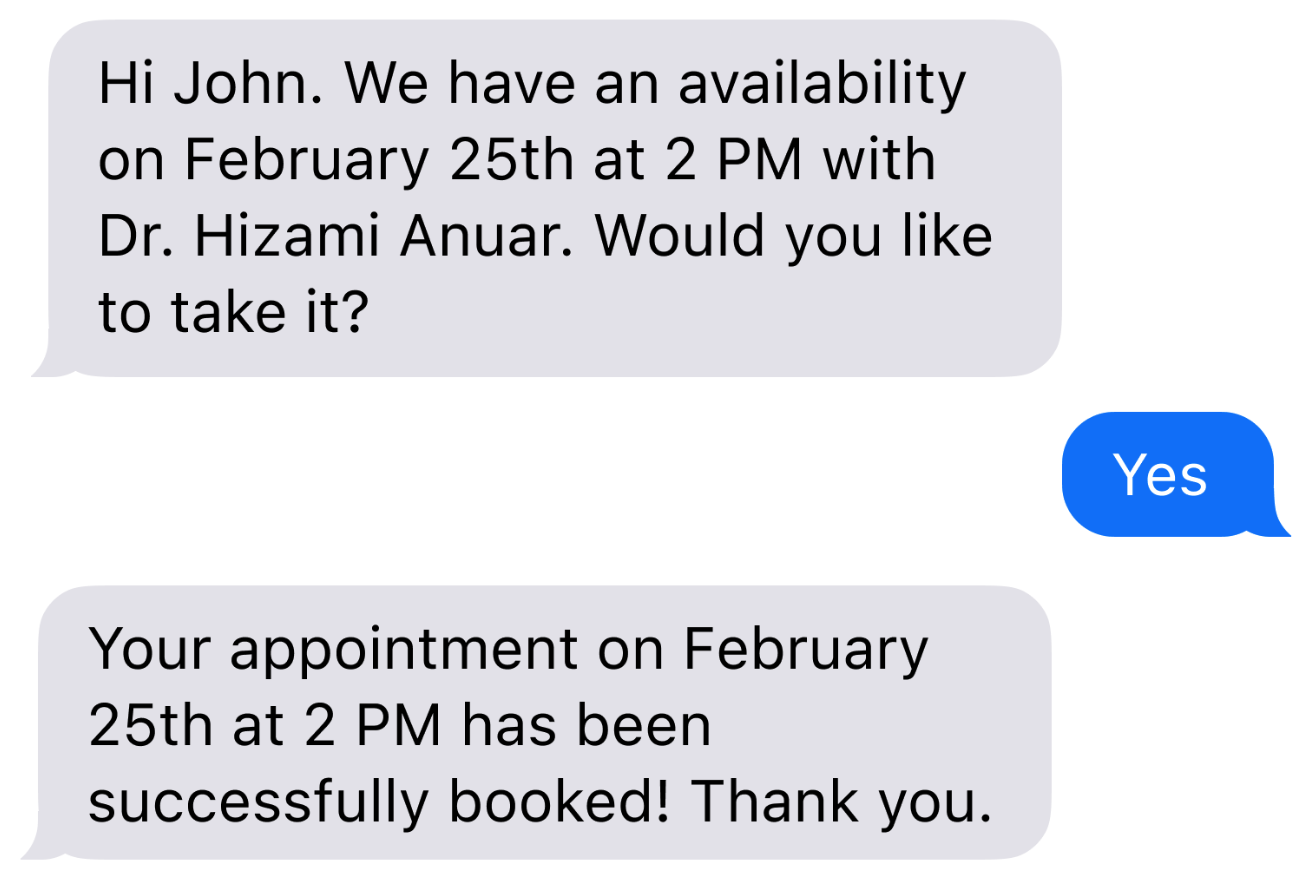
The message looks like We have an availability for an appointment on Thursday, September 25th at 7 AM with Dr. Hizami Anuar. Would you like to take it?
How a patient can reply
If the patient receives a message about an opening, they can reply in any language specifying they would like to accept the offering. If the AI determines the message to mean that the patient wants the slot, it will book the appointment into WebPT and fill the cancellation.
Messages that sound like yes, yeah, sure, put me in, I'll take it, etc. will be counted as an affirmation.
If the AI is confused about the message, it will ask for clarification before proceeding.
What if multiple patients try to accept at the same time?
If the AI receives messages from multiple patients about the same opening, the patient who replied the first (down to the millisecond) will get the appointment. All other patients who replied will get a standard message like I'm sorry. This appointment is no longer available.
You can control the message in waitlist settings.
Update waitlist availability
At any time, patients can message the AI to adjust their availability. Any mention of adjust availability, adjust my waitlist, or not in town next week, etc. will trigger the AI to help the patient adjust their availability.
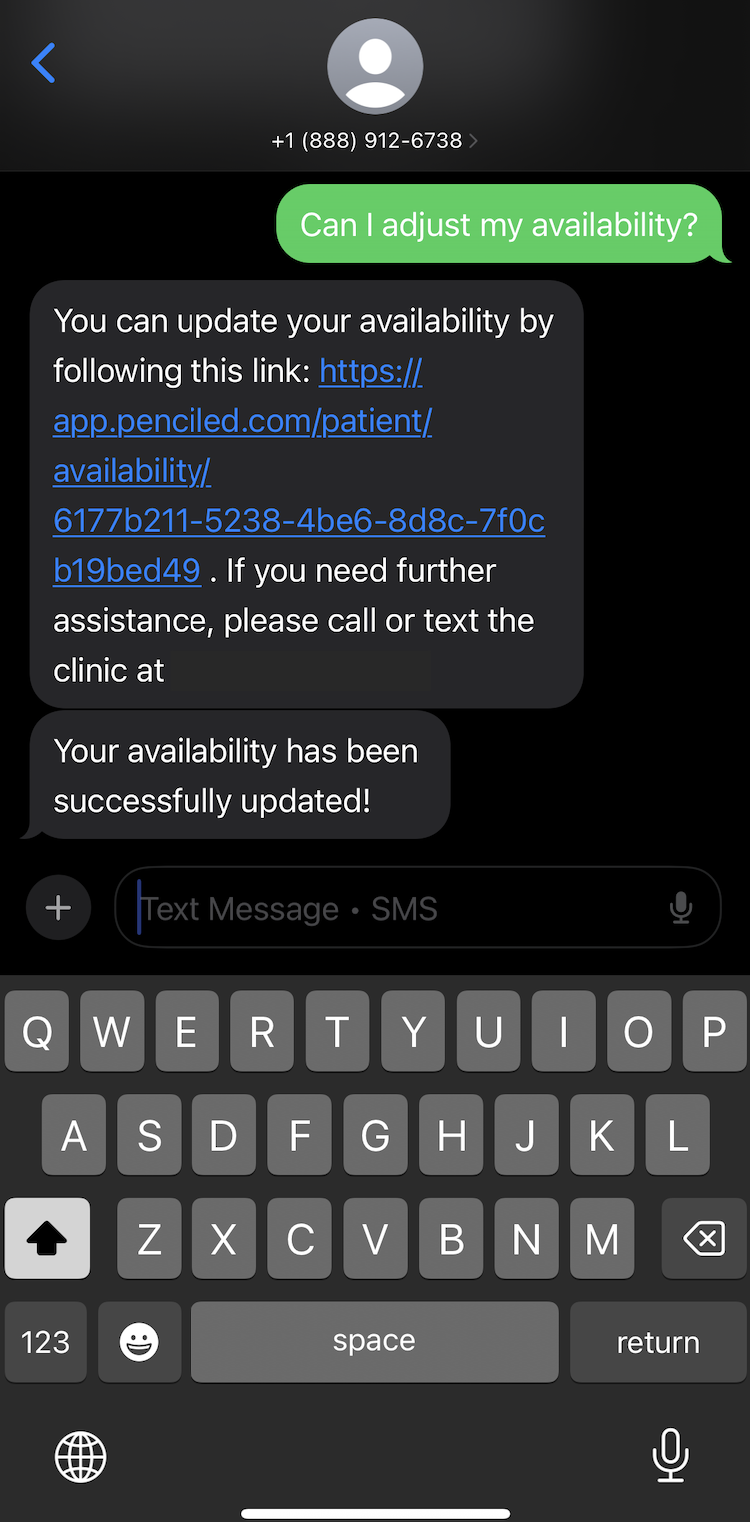
By clicking the link, the patient can quickly adjust the dates and times for which they want to know about last-minute openings.