
Creating a plan of care
Penciled automatically monitors plan of care (POC) compliance and helps ensure patients complete their prescribed visits.
Plans of care can be created automatically when patients are added onto Penciled, or they can be created manually.
Automatically creating plans of care
Plans of care are automatically created for patients who are added by clicking the add button from the recommended patients page. These plans of care are pulled from the plan section of available signed notes.
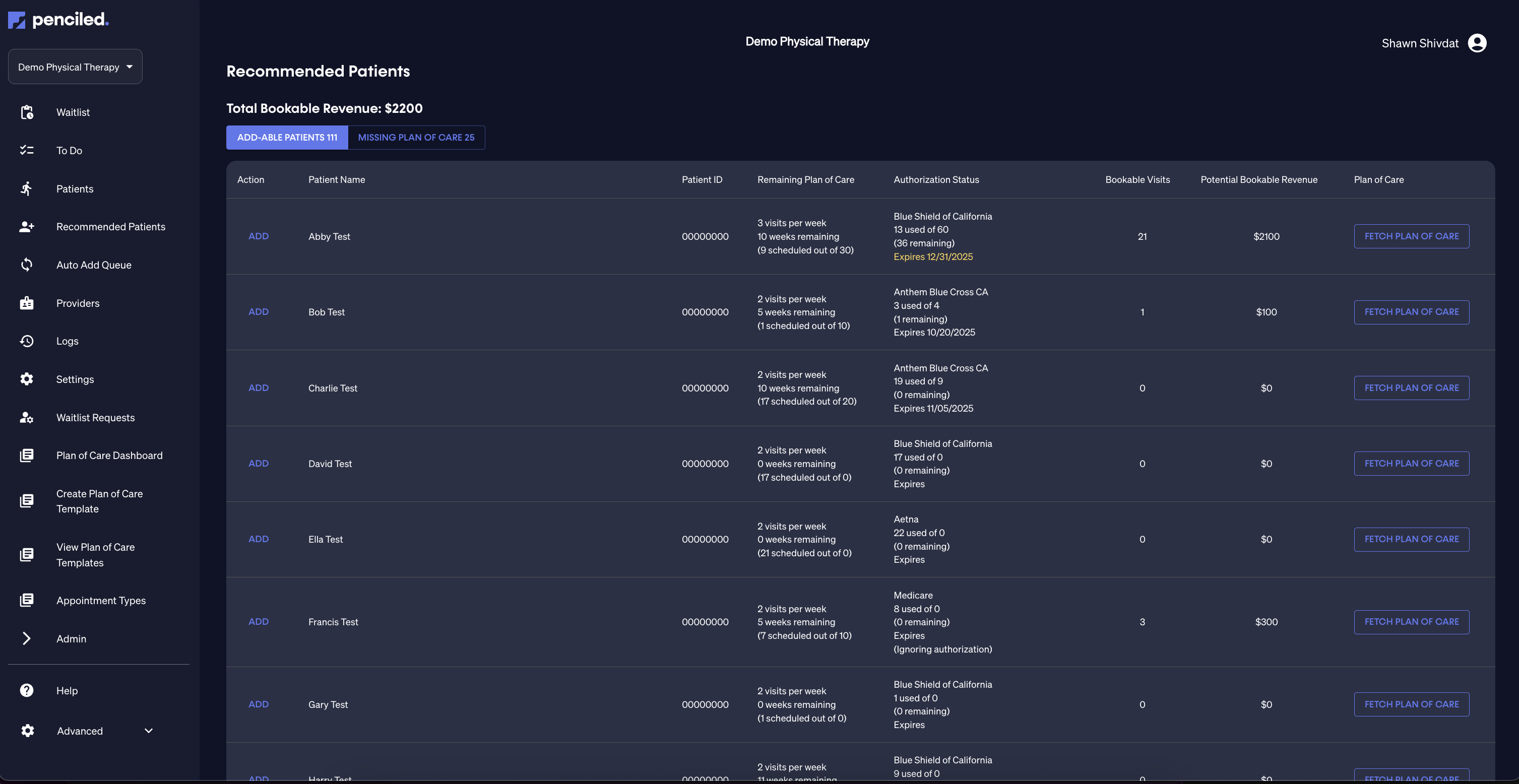
For more information on how plan of care information is pulled from WebPT, see how plans are retrieved from WebPT.
Manually creating plans of care
For circumstances in which a plan of care does not yet exist in WebPT, front office staff can manually create plans of care using the Penciled platform which will immediately message patients to schedule.
Custom plans of care can be created individually for each patient, or plan of care templates can be created and applied to patients.
For existing patients
To start with an existing patient, select the patient from the patients tab and click create plan of care. This will populate a form with the necessary information to create the plan of care like frequency, duration, and gap days.

For new patients
To create a plan of care manually when adding a new patient to Penciled, just click create plan of care in next steps on the new patient form.
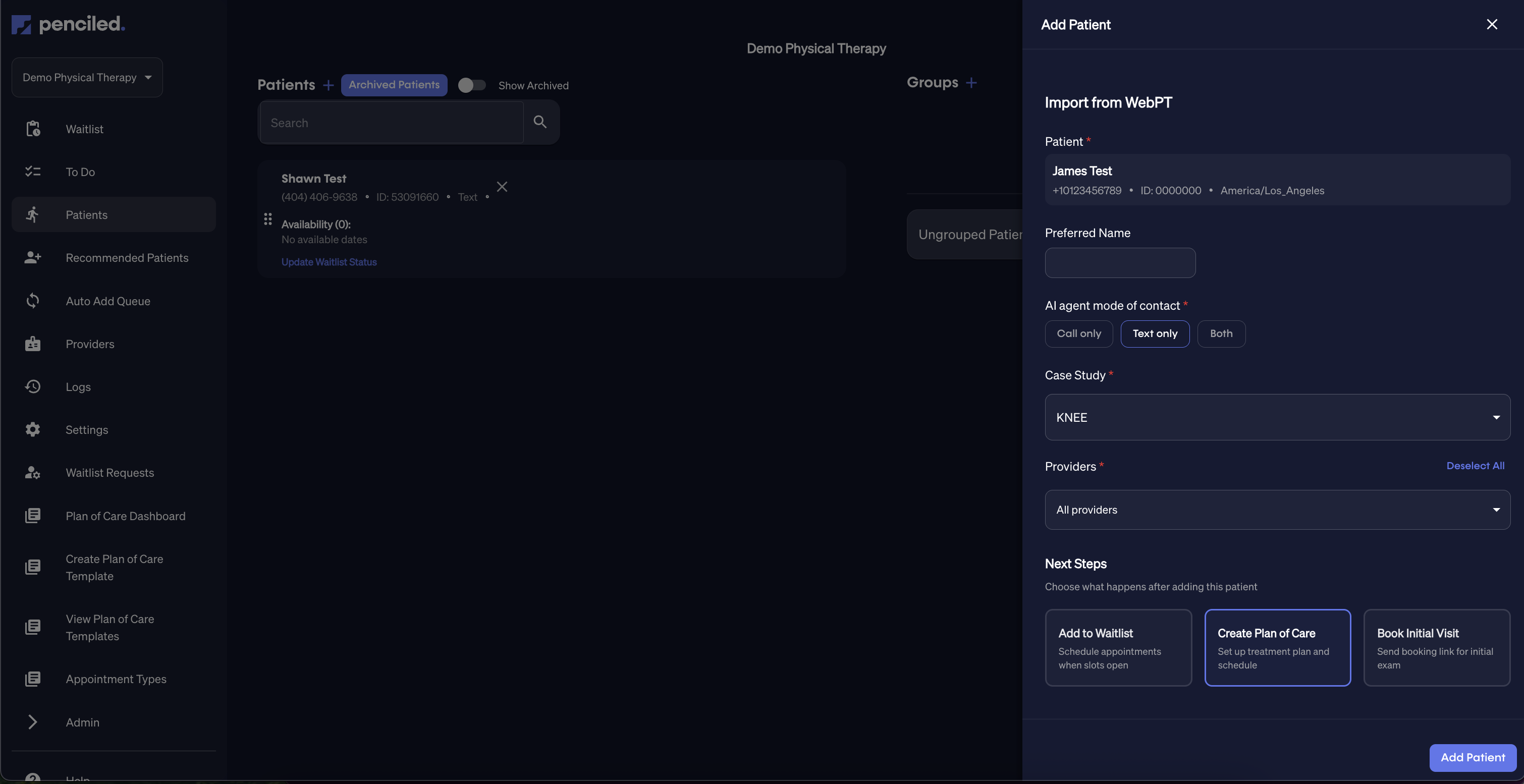
Plan of care required fields
The following fields will be required to manually create a plan of care:
- Frequency: the number of appointments per week that the patient should have
- Duration: the end date of the plan of care will be required
- Gap days: the number of days that patients should not be able to schedule in between successive visits
- First visit appointment type: the appointment type of the first visit (i.e. Initial Examination)
- Follow-up visits appointment type: the appointment type that should be scheduled for follow-up visits (i.e. Follow-up)
Plan of care restrictions
Plans of care cannot be created for patients who have no existing visits in the schedule. To schedule an initial exam, see schedule initial exam.
Plan of care templates
Rather than inputting the form fields to create a plan of care manually for each patient that does not have an existing care plan in WebPT, you can create plan of care templates and quickly select the right template when creating a plan of care for a patient.
To create a plan of care template, see create plan of care template.
Scheduling out plans of care
After a plan of care is created for a patient, Penciled will immediately contact the patient to schedule out the necessary visits.